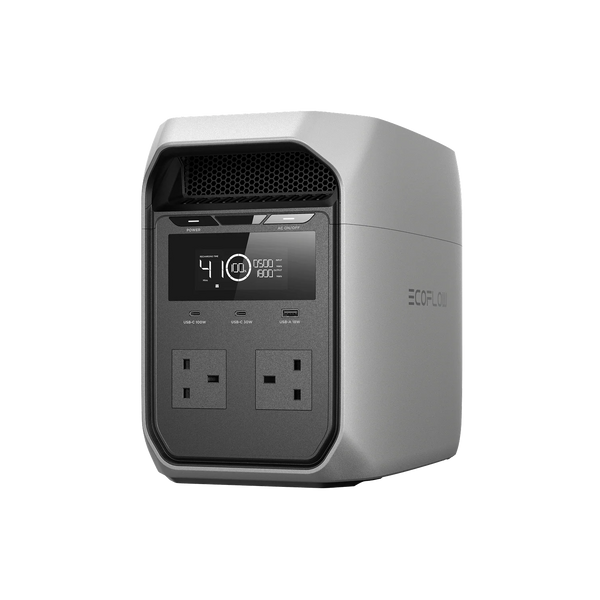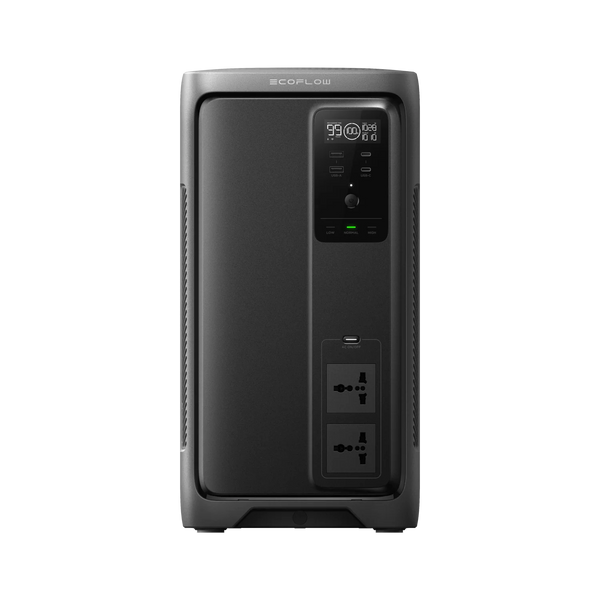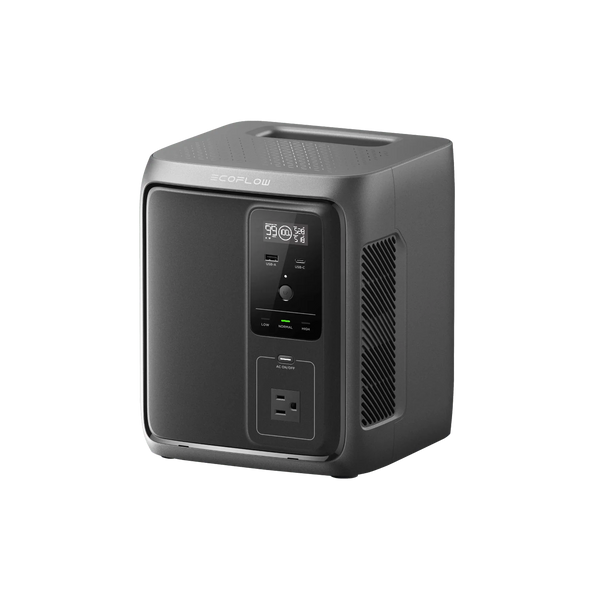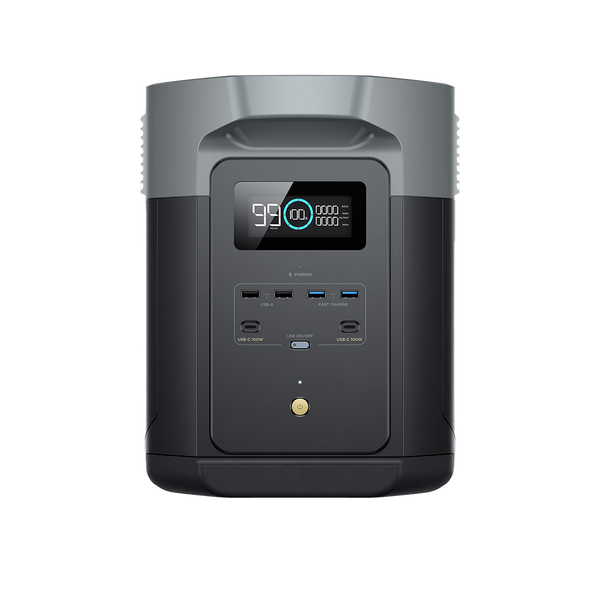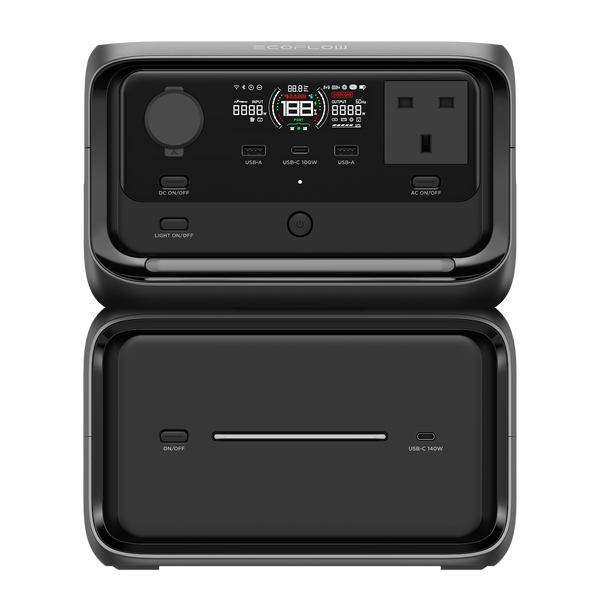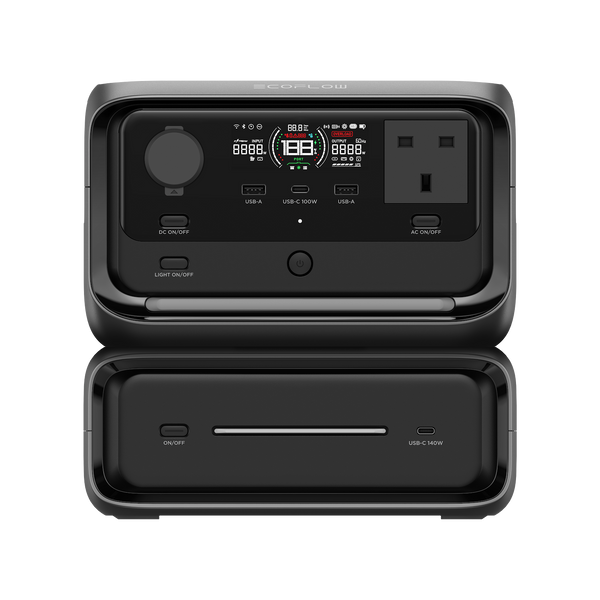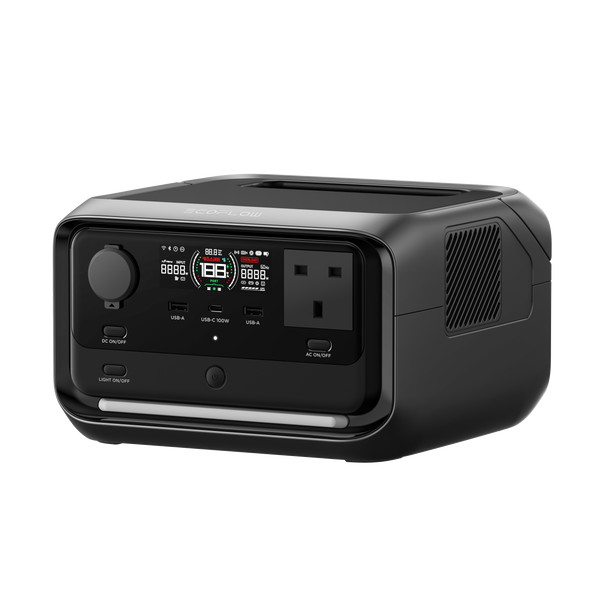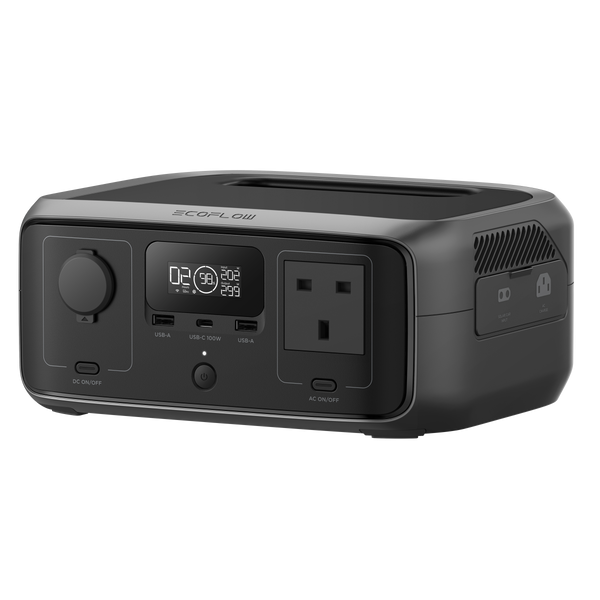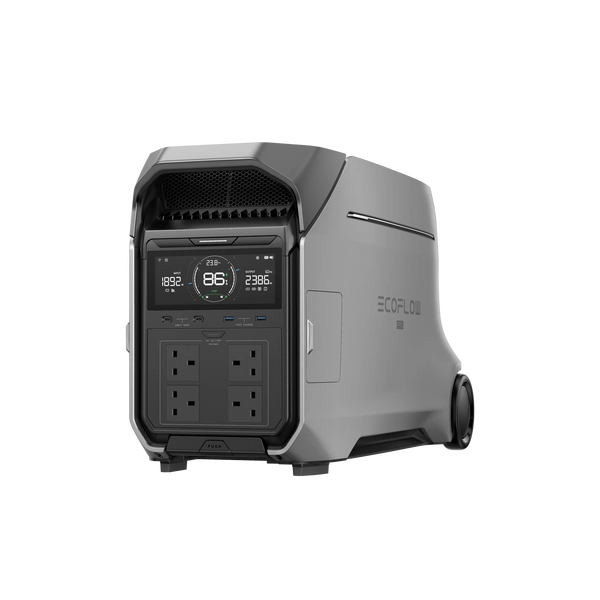
DELTA Pro 3
Expandable to 48kWh | 4000W
RM 20,999
DELTA
Solar Panels
Extra Battery
Guides
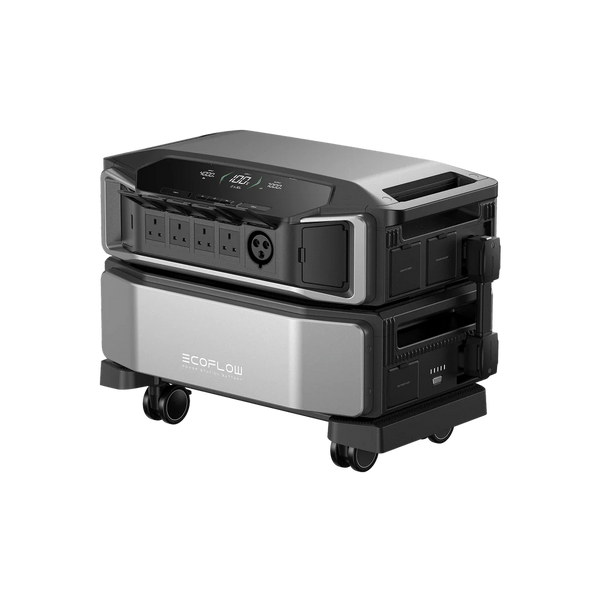
When the supply drops in a storm, most homes reach for torches and extension cords. There is a tidier way: connect a power station to the circuits that matter through an automatic transfer switch beside your distribution board (DB). When the mains goes, the switch moves those circuits to the power station by itself; when it comes back, it moves them back. Fly Zone, EcoFlow's Sarawak dealer, has a working example on the wall of its showroom in Batu Kawa, Kuching.

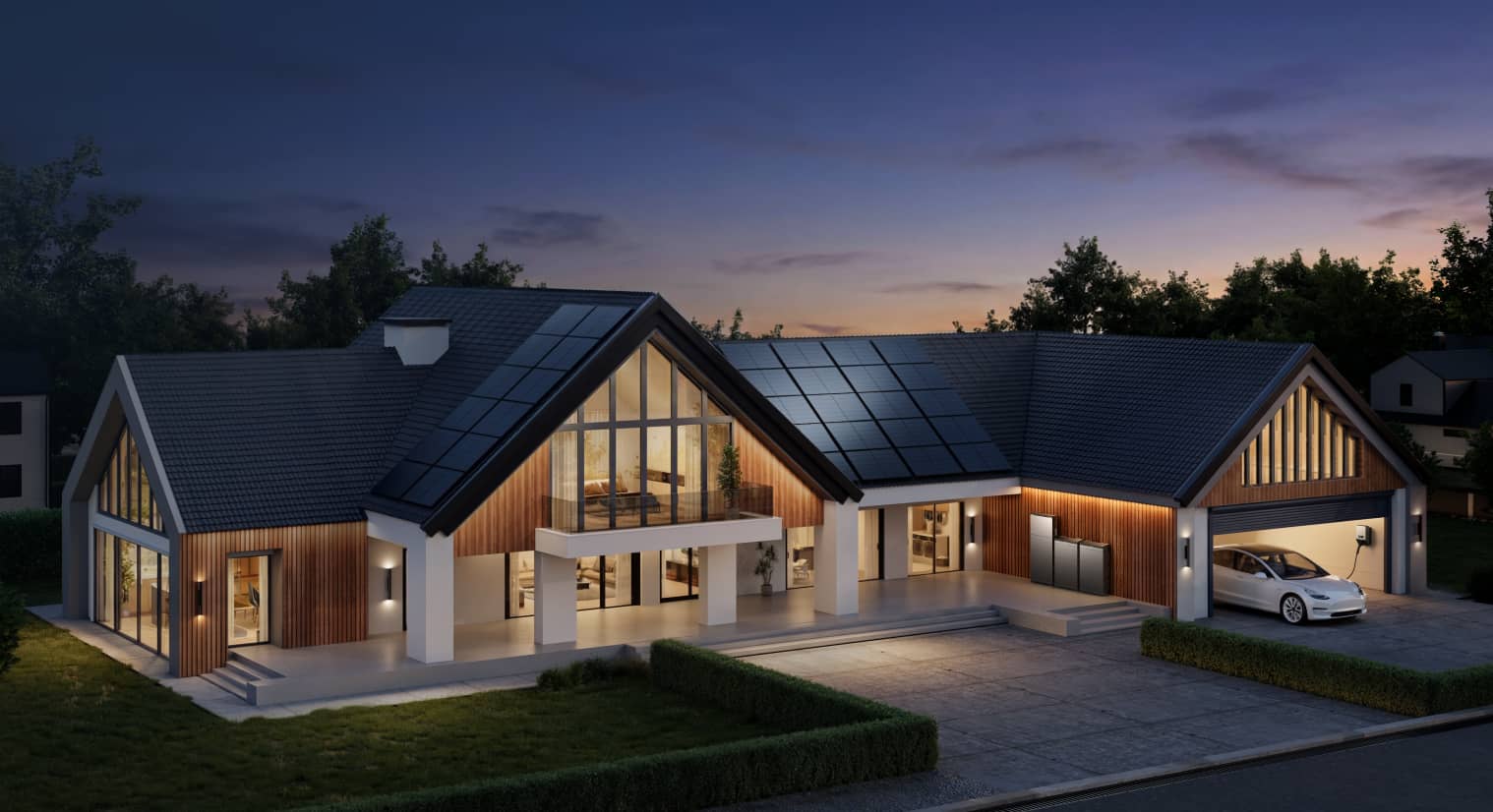
Fly Zone sees it most in homes on the edge of town: on the grid, but with the occasional power cut. Most of these homes are single-phase. For them, a power station on standby, topped up by solar panels, costs a fraction of a fixed home battery system and still keeps the lights, the fridge, the fans and the Wi-Fi going when the supply drops.
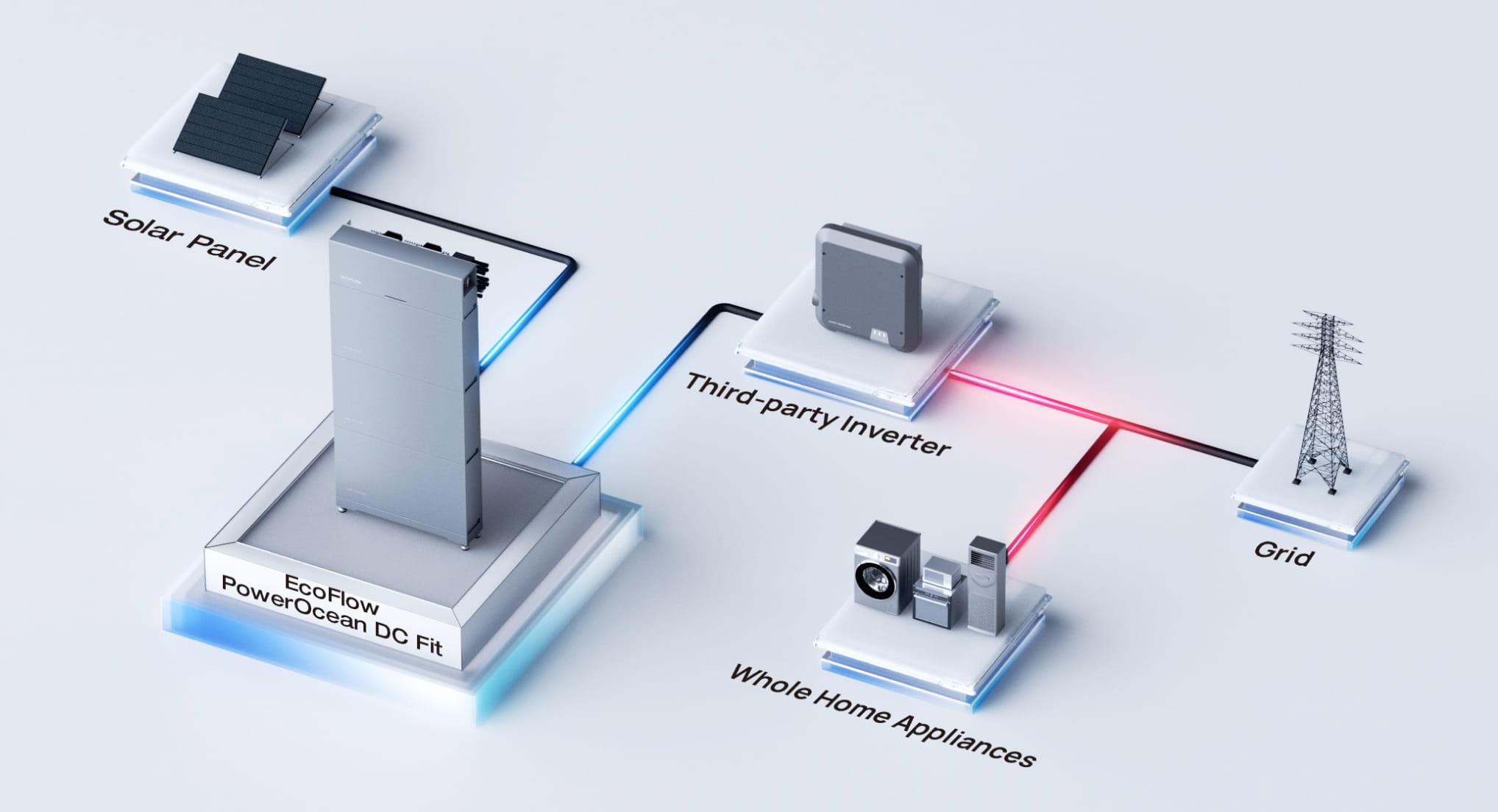
The switch has two inputs and one output. On the unit at Fly Zone they are labelled N, normal power, and R, emergency power. N is the mains supply from Sarawak Energy; R is the EcoFlow power station. The output feeds the circuits you have chosen to back up.

The changeover takes a moment. Lights blink, a fan slows and restarts, and a desktop computer without its own battery may restart. A laptop, a phone on charge or a router on its own small UPS rides straight through.
| Set-up | How it works | Good for |
|---|---|---|
| Plug in directly | Appliances plug into the power station's own sockets | A fridge, the Wi-Fi and a lamp in one room; no electrician needed |
| Manual transfer switch | Someone flips a switch at the DB to move circuits to the power station | Homes where someone is usually in and does not mind the walk to the DB |
| Automatic transfer switch | The switch moves the circuits by itself when the mains drops and returns | Homes that want the lights back without anyone doing anything, including when nobody is home |
Both switches put the power station on your house wiring, so both are installed by a qualified electrician. Plugging in directly needs nothing but the power station.
A transfer switch carries the circuits you choose, not the whole house. The right list is short:
Leave out the water heater, the oven and most air-conditioners unless you choose one of the bigger units: one 1HP inverter air-con running half the time averages about 375W, more than everything above put together.
Two numbers matter. Output (W) must cover everything on the switch at once, plus the start-up burst of a fridge or a pump. Capacity (Wh) decides how long it lasts: capacity × 0.85 ÷ watts, rounded down. Lights (20W), a fridge (about 50W on average), a fan (45W) and the Wi-Fi (20W) come to about 135W.
| Power station | Output | Capacity | Essentials (135W) | Essentials + 1HP air-con (510W) |
|---|---|---|---|---|
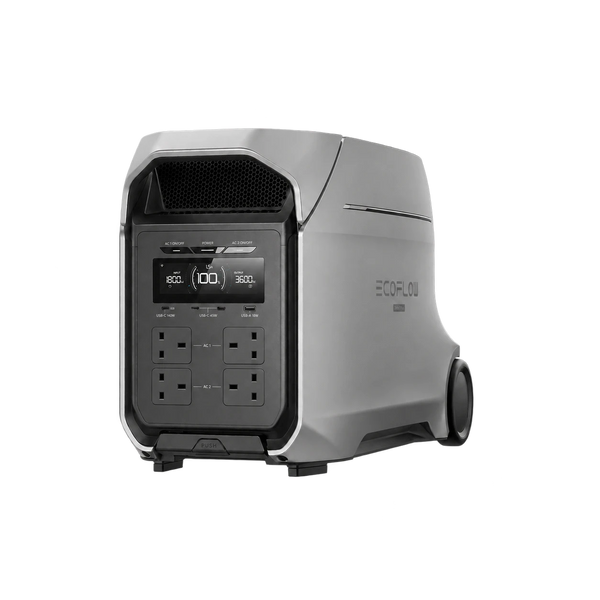
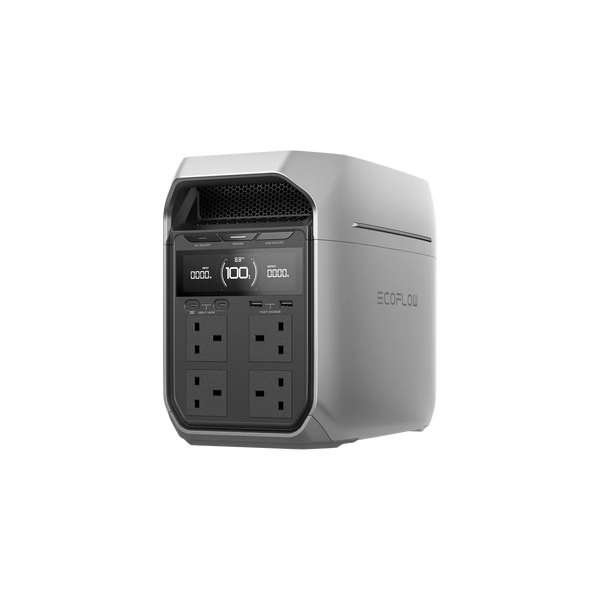
| DELTA 3 Max Plus | 3,000W | 2,048Wh | About 12 hours | About 3 hours |
| DELTA 3 Ultra Plus | 3,600W | 3,072Wh | About 19 hours | About 5 hours |
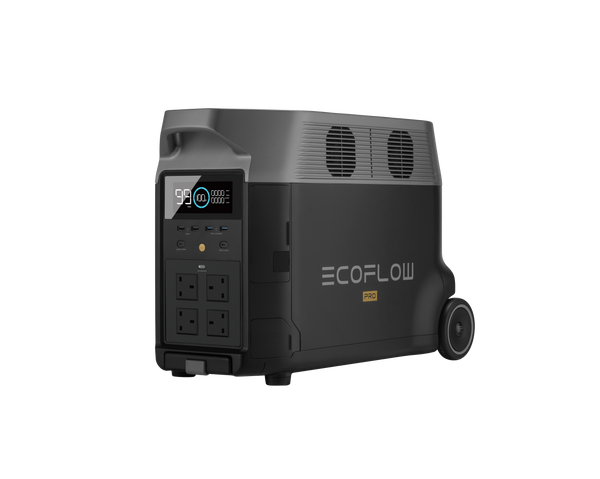
| DELTA Pro 3 | 4,000W | 4,096Wh | About 25 hours | About 6 hours |
| DELTA Pro Ultra | 6,900W | 6,144Wh | About 38 hours | About 10 hours |
For the most circuits, the DELTA Pro Ultra (6,144Wh, 6,900W) is the top of the range, and it expands with extra batteries.
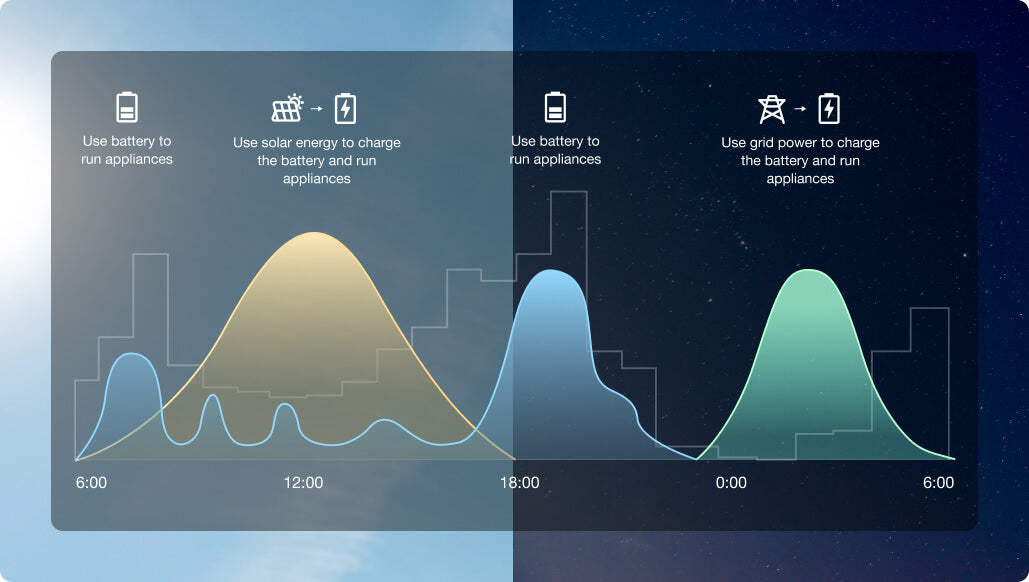
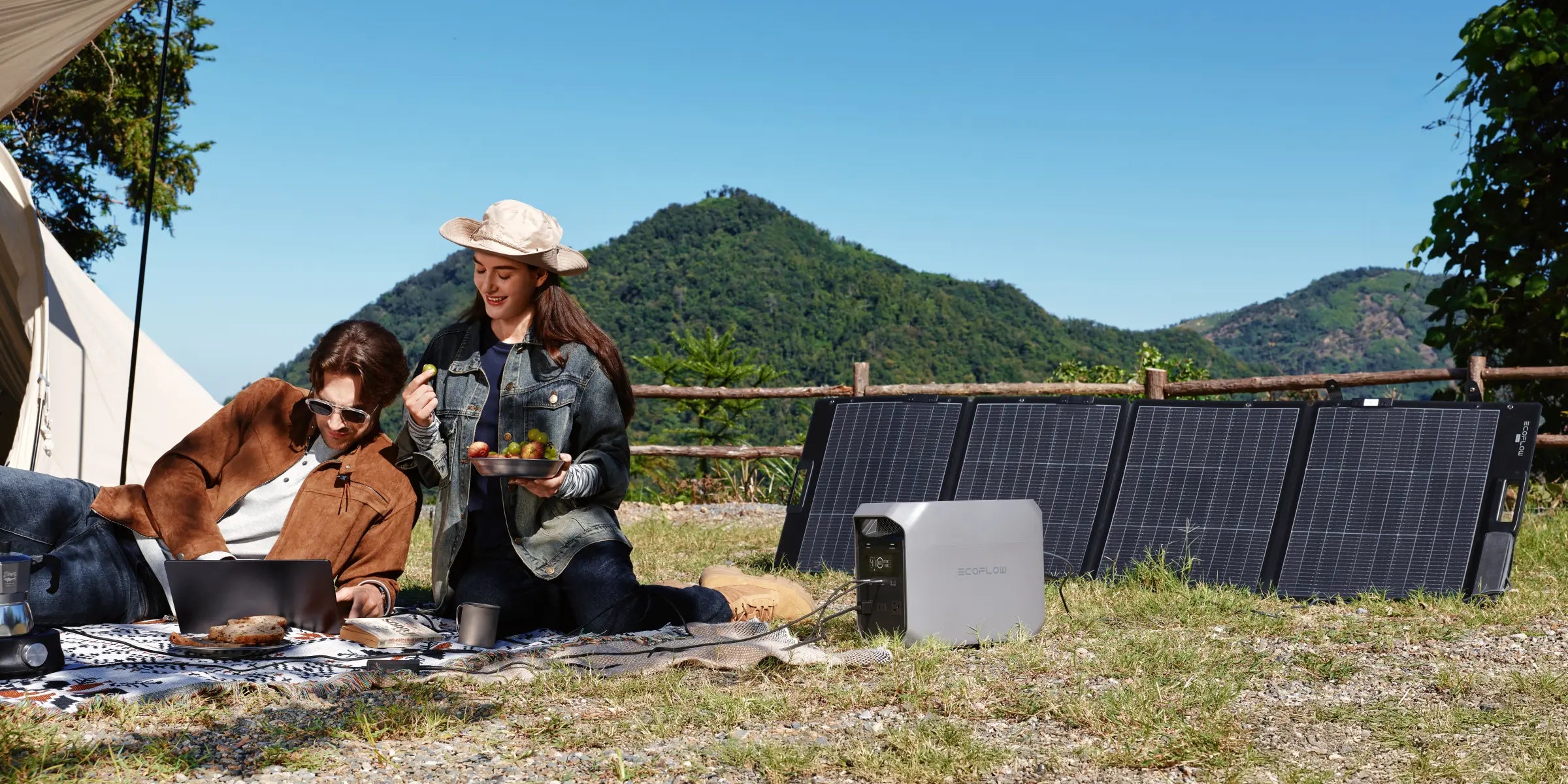
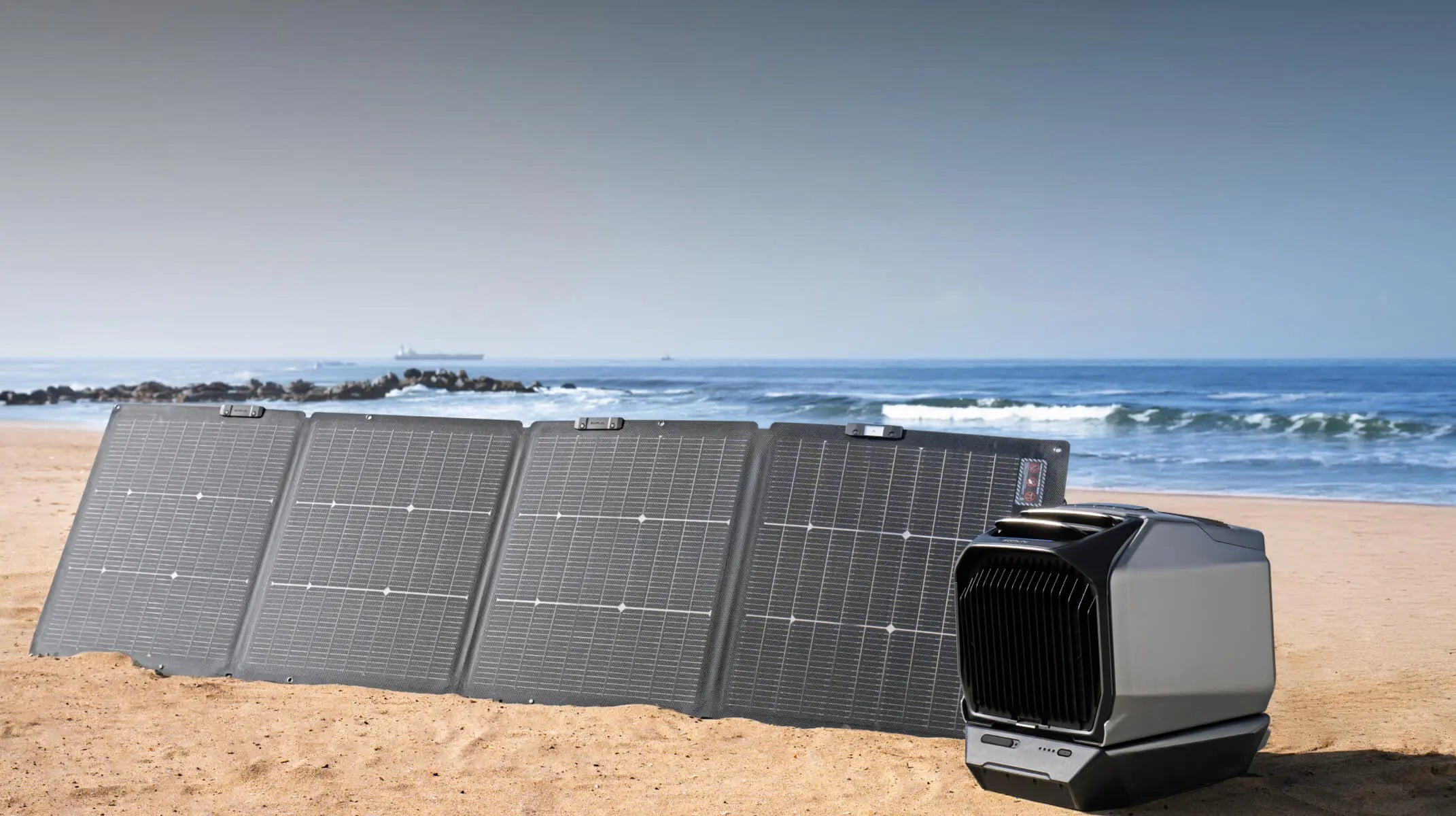
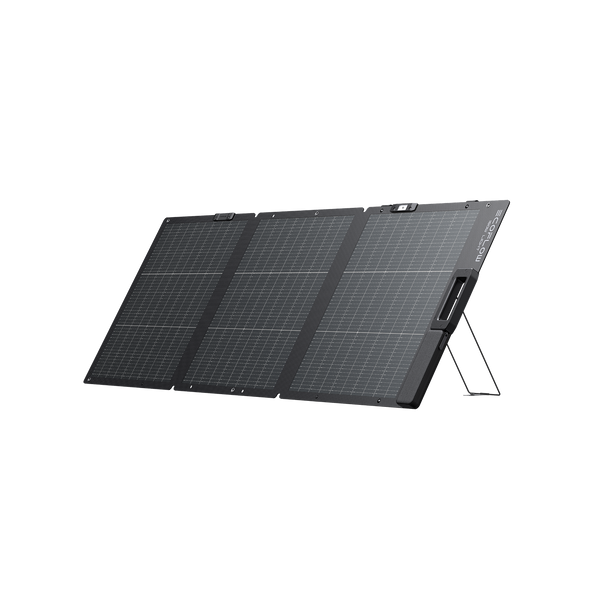
A long outage is where solar earns its place. The power station charges from the mains in normal times and from portable solar panels when the mains is off, so daylight keeps refilling it. We plan with panel watts × 4 hours of strong sun on a clear day: two 160W panels put back roughly 1,280Wh, about 8 more hours of the 135W essentials (1,280 × 0.85 ÷ 135). Monsoon cloud cuts that sharply, so the battery still has to carry a grey day.
Every installation starts with a site visit. A qualified electrician looks at your DB, the wiring and where the power station will live, and agrees which circuits go on the switch. Have these ready:
Installation is quoted separately after the visit, because every DB and every house is different.
Safety. Never connect a power station to your house wiring without a properly installed transfer switch, and never by a home-made cable into a wall socket. Without the switch, power can flow back into the line and endanger anyone working on it.
Fly Zone, EcoFlow's Sarawak dealer and authorised service centre, can show you the set-up working at its showroom in Batu Kawa, Kuching, and arrange a site visit. WhatsApp +60 12-884 5138 with a photo of your DB and your list. To compare power stations and today's prices, see the EcoFlow in Sarawak page. Planning rooftop solar with a fixed home battery instead? Start with our home backup guide.
Product figures are EcoFlow's published specifications for the models sold in Malaysia. Runtimes and solar output are estimates; your appliances, weather and conditions will differ. The transfer switch shown is the one installed at Fly Zone's showroom.
Ask about stock, a demonstration at the Batu Kawa showroom, or after-sales support for your unit.
22 November 2026
Renting an EcoFlow power station or GLACIER fridge in Kuching for Gawai, a wedding, a trip or a job: which unit fits which use, the questions...
22 November 2026
Which EcoFlow power station suits life in Sarawak? Picks for home backup in town, kampung and longhouse homes with solar, river and fishing trips, camping and...
22 November 2026
EcoFlow Malaysia has appointed Fly Zone as its certified Sarawak dealer. Its Batu Kawa showroom in Kuching is also an authorised service centre, with ready stock,...