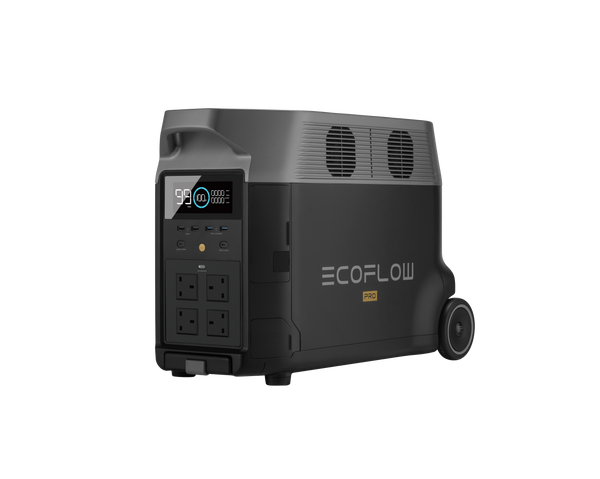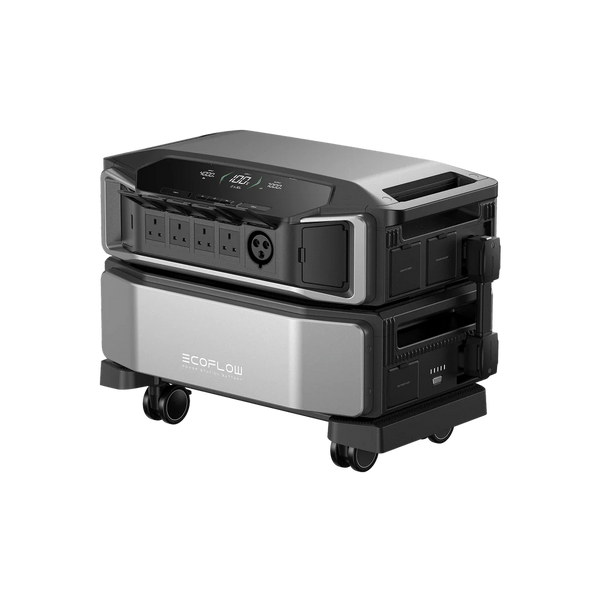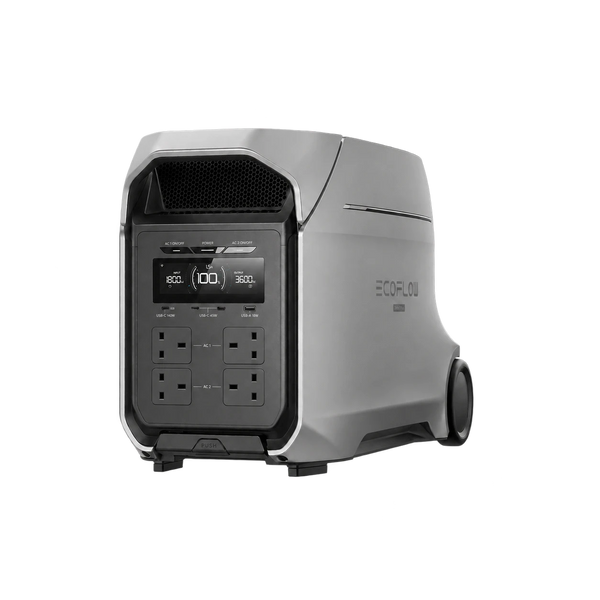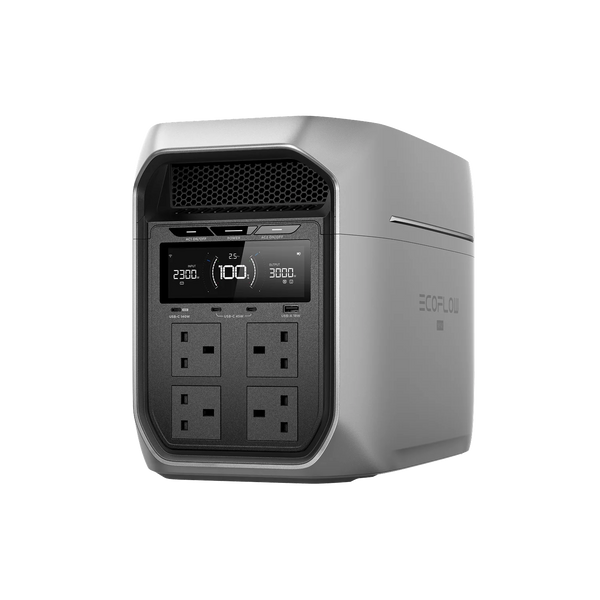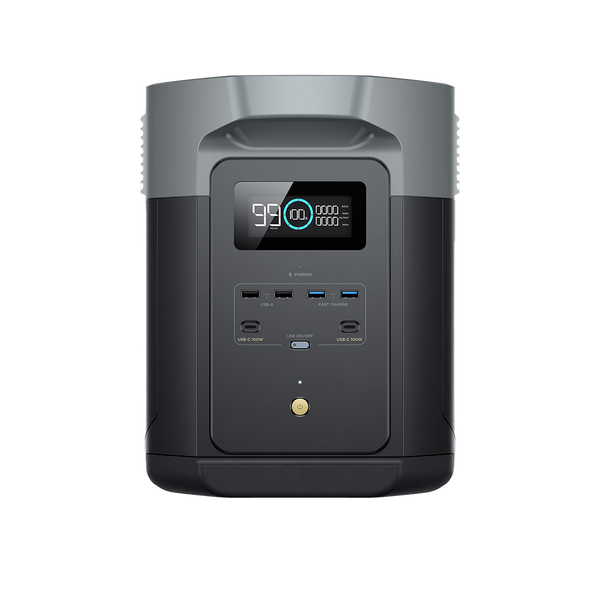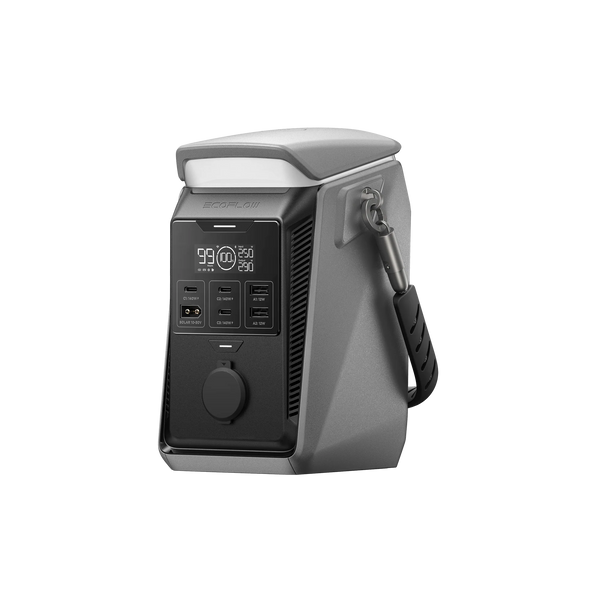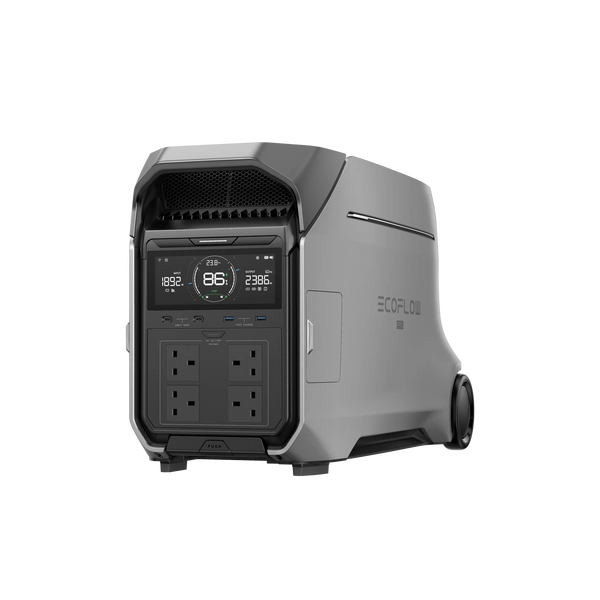
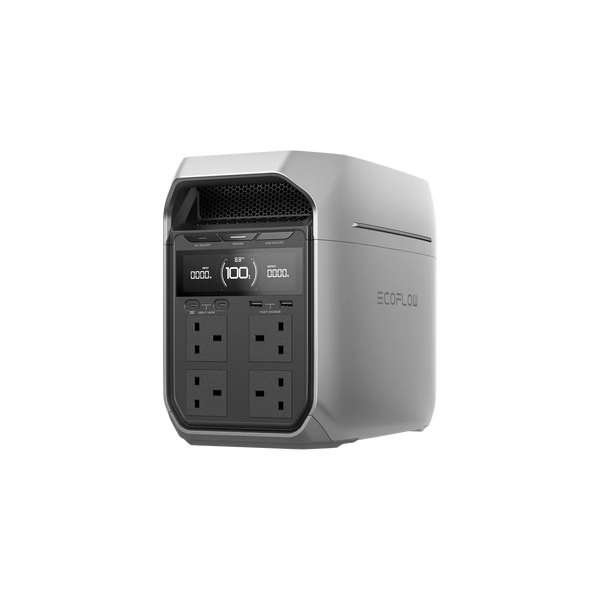
DELTA Pro 3
Boleh dikembangkan hingga 48kWh | 4000W
RM 20,999
DELTA
Panel Solar
Peranti Pintar
Bateri Tambahan
Work from home
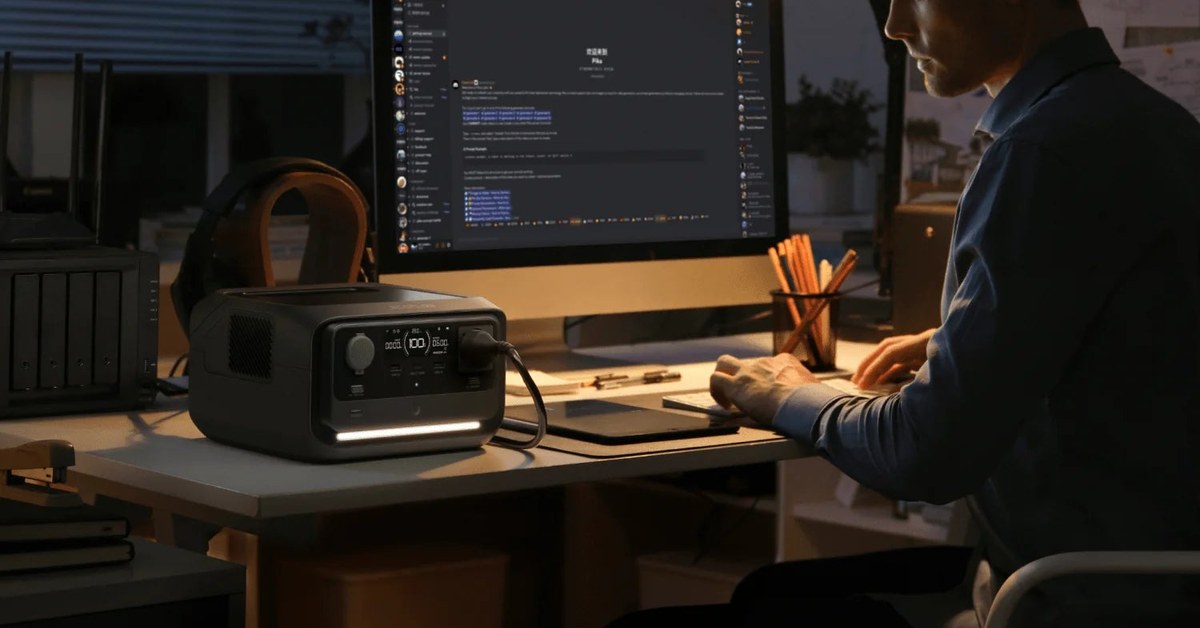
When the power cuts, the first thing most people lose is not the lights: it is the internet. The fibre box and the Wi-Fi router go off with the mains, the video call drops, and the laptop battery suddenly matters.
The Prime Minister told Parliament on 3 November that Malaysia is among the countries considered potential targets of cyberattacks. In his words, "Do not assume these threats are far removed from us." For anyone who works from home, it is a good week to fix the weakest link in the home office.
Keep it in proportion. No attack on TNB or Malaysia's power grid has been reported, and the government did not say what the targets might be. Preparing calmly makes sense either way: everything here also helps in a storm, a flood or an ordinary power cut.
A router and a fibre terminal together draw only around 15 to 25W, but they need power without a gap. A UPS (uninterruptible power supply) sits between the wall and your devices and switches to battery the moment the mains fails, fast enough that most routers and computers carry on without restarting.
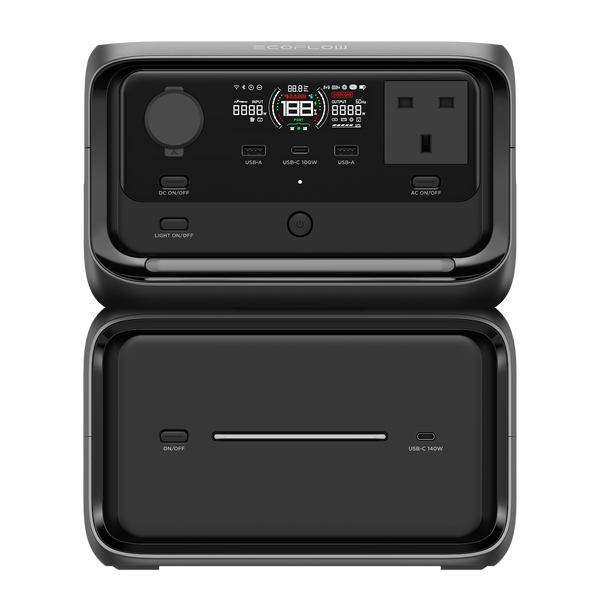
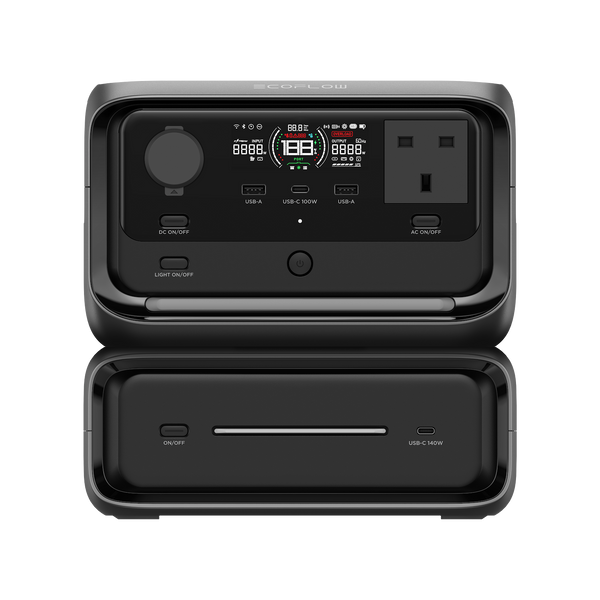
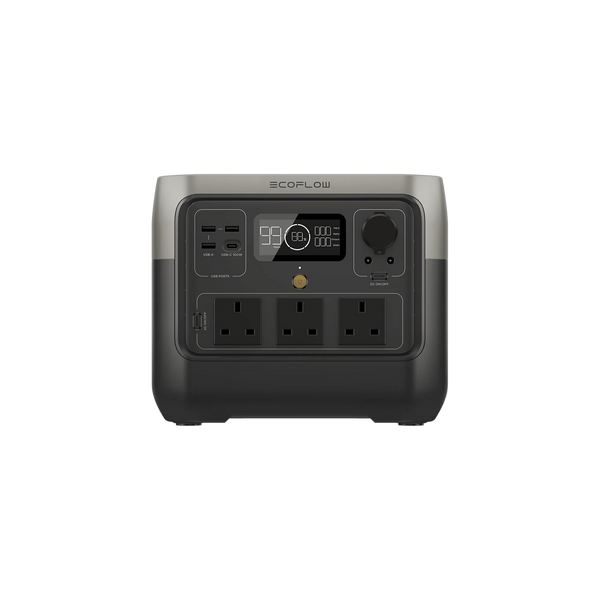
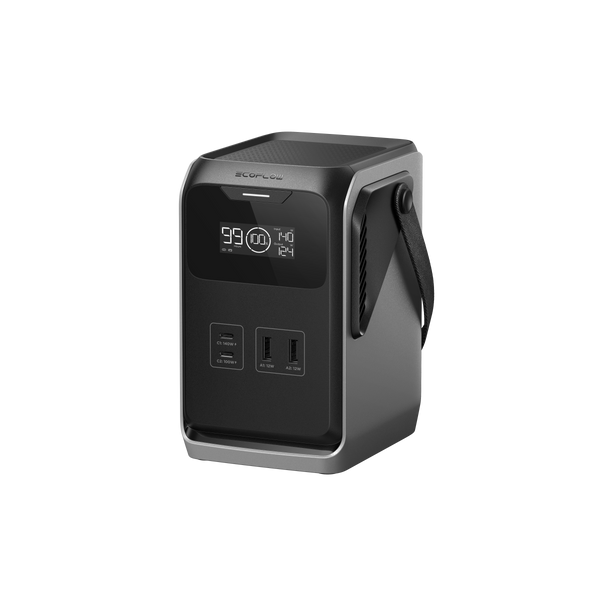
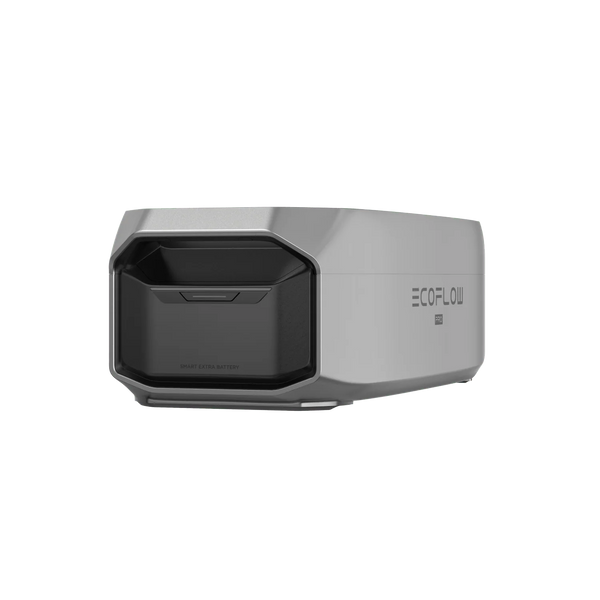
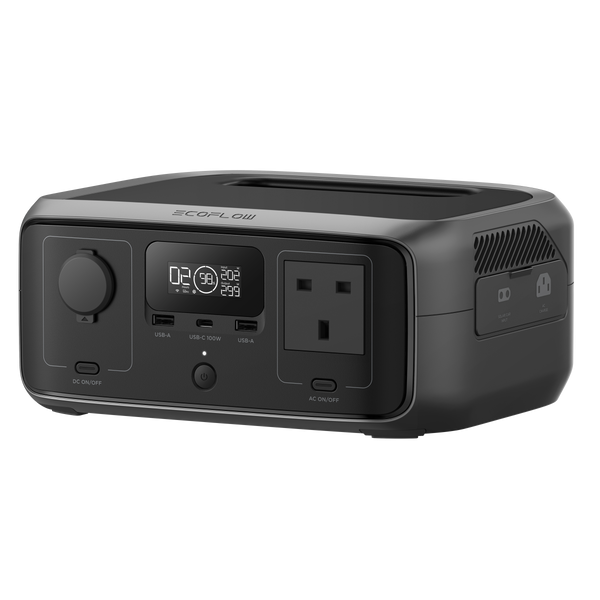
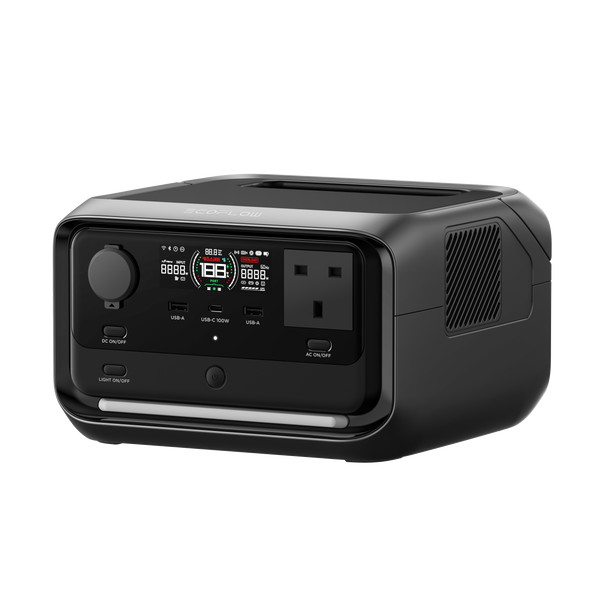
RIVER 3 UPS is built for exactly this job: it switches to battery in 20 ms, stores 245Wh and delivers 300W. DELTA 3 Plus switches in 10 ms and powers a whole desk. RIVER 3 Plus sits between them, with 286Wh, 600W and an optional extra battery.
| Setup | Typical draw | RIVER 3 UPS (245Wh) | RIVER 3 Plus (286Wh) | DELTA 3 Plus (1024Wh) |
|---|---|---|---|---|
| Router and fibre box | about 20W | about 10 hours | about 12 hours | nearly 2 days |
| Plus a laptop charging | about 80W | about 2.5 hours | about 3 hours | about 11 hours |
| Plus a monitor and a desk lamp | about 120W | under 2 hours | about 2 hours | about 7 hours |
Typical wattages, with about 85% of rated capacity reaching your devices. A laptop that is already charged draws much less.
A UPS keeps your equipment running. It cannot keep your internet provider's network up. If an outage or an attack affects the provider, your router will stay on with nothing to connect to. Three cheap habits cover that:
RIVER 3 UPS takes up to 110W of solar input. The RIVER 3 UPS Solar Generator (PV60W) pairs it with a 60W portable panel, which refills the station in about six hours of strong sun, roughly a clear day. For a full desk through a longer outage, DELTA 3 Plus takes up to 1,000W of solar.
More on panels in our solar generator guide, and on the wider picture in an emergency kit for a digital blackout.
We sell and support EcoFlow in Malaysia, and our part in this is practical: helping households and businesses choose the right backup before they need it, not after.
Sources
Product figures are EcoFlow's published specifications for the models sold in Malaysia. Runtimes and charge times are estimates; your appliances, weather and conditions will differ.

Beritahu kami apa yang anda mahu terus berjalan, dan untuk berapa lama. Kami akan cadangkan susunan di WhatsApp, percuma.
5 November 2026
Malaysia has been named a potential cyberattack target. Here is a calm, practical plan for home backup power: what to keep running, how to size it,...

5 November 2026
No generator, no space, no problem. How condo and apartment residents can keep the Wi-Fi, lights, fans and fridge going through a power outage, safely indoors.

5 November 2026
How long food stays safe without power, how to run a fridge from a power station, and why a portable fridge freezer and a little cash...